
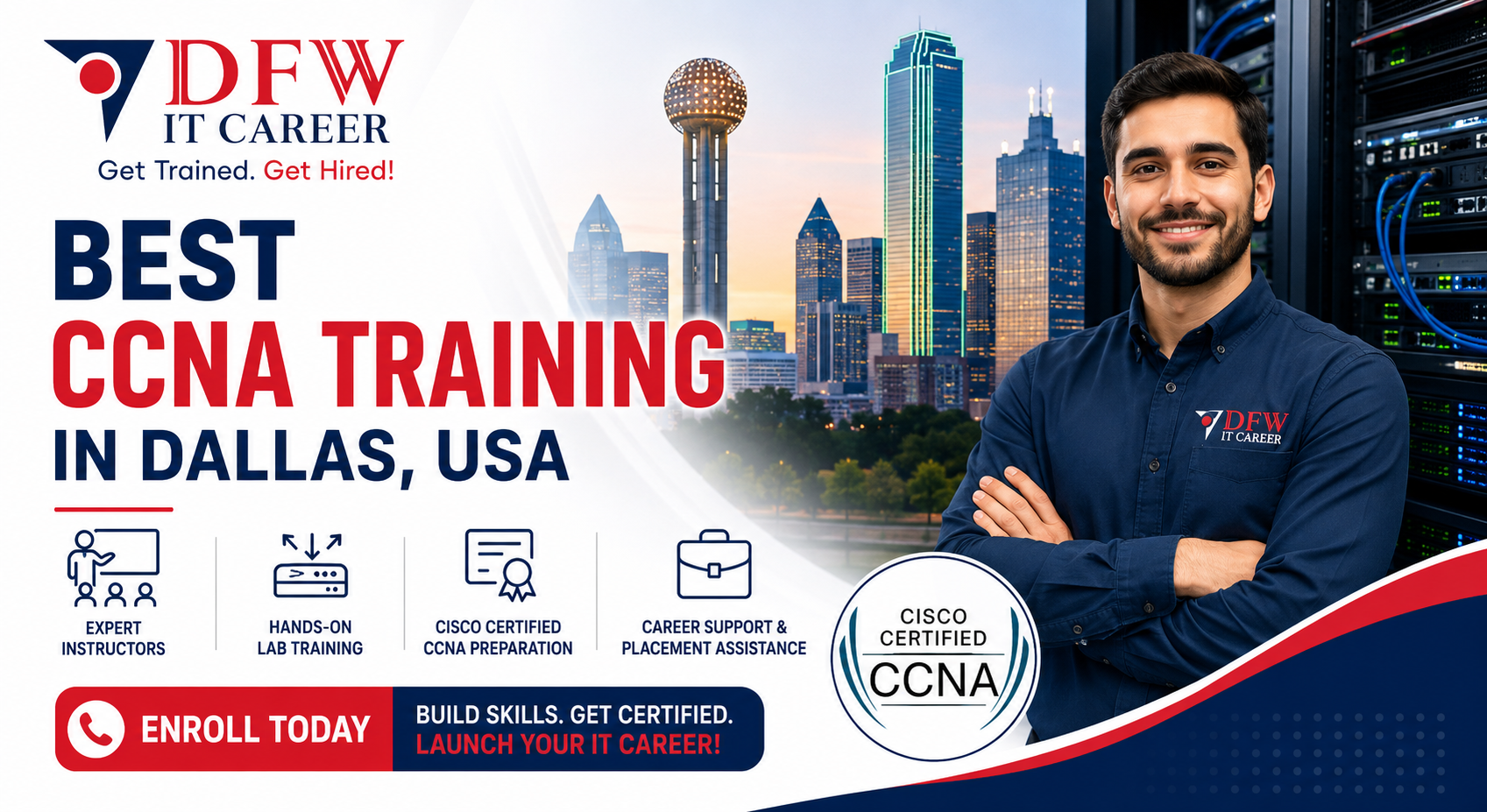
Best CCNA Training course in Dallas, USA

This program is designed to build a strong foundation in networking concepts and prepare you for real-world IT roles as well as Cisco certification.
426+ Enrolled 6 Modules 111 Lessons
4.8
Best CCNA Training course in Dallas, USA
Course Description

Start your networking career with our CCNA course at DFW IT Career. This program is designed to build a strong foundation in networking concepts and prepare you for real-world IT roles as well as Cisco certification.

Our training combines structured learning with hands-on practice to ensure you gain practical skills that employers expect.


Why Choose Our CCNA Course in Dallas, USA?


Our CCNA training is designed for beginners and professionals who want to build a solid understanding of networking.

  • Instructor-led, hands-on training sessions
  • Real-world lab practice and networking scenarios
  • Updated curriculum aligned with Cisco standards
  • Flexible weekday and weekend batches
  • Career guidance and placement support

We focus on delivering one of the most reliable CCNA training programs in Dallas.


Course Overview


This CCNA course covers the fundamentals of networking, including routing, switching, IP connectivity, and network security.

The program prepares you for the Cisco Certified Network Associate (CCNA) certification and entry-level networking roles.


Who Should Enroll?


This CCNA course is ideal for:

  • Beginners starting a career in IT
  • Help desk and support professionals
  • Individuals preparing for Cisco certification
  • Career changers entering networking field

No prior networking experience is required.


Certification and Career Opportunities


After completing this CCNA training, you will be prepared to earn the Cisco Certified Network Associate (CCNA) certification.

Career opportunities include:

  1. Network Support Engineer
  2. IT Support Specialist
  3. Network Technician
  4. Junior Network Administrator

This certification is widely recognized and valued by employers.


Why DFW IT Career?


DFW IT Career is known for delivering practical IT training programs in Dallas.

  1. Experienced instructors with industry background
  2. Hands-on, job-focused training approach
  3. Small batch sizes for personalized learning
  4. Strong career support and placement assistance

We focus on building real-world skills that help you succeed in your career.


Enroll in CCNA Training in Dallas, USA


Take the first step toward a networking career with our CCNA course. Gain the skills and confidence needed to work in real IT environments.

Contact DFW IT Career today to enroll in CCNA training in Dallas.


What you'll learn

Network fundamentals and architecture
IP addressing and subnetting
Routing and switching concepts
Network security basics
Wireless networking fundamentals
Network troubleshooting techniques

Curriculum

01. Module 1: Network Fundamentals (20%)

41 lectures • 0m

◾ 1.1 Explain the role and function of network components
1.1.a Routers
1.1.b Layer 2 and Layer 3 switches
1.1.c Next-generation firewalls and IPS
1.1.d Access points
1.1.e Controllers (Cisco DNA Center and WLC)
1.1.f Endpoints
1.1.g Servers
1.1.h PoE
◾ 1.2 Describe characteristics of network topology architectures
1.2.a Two-tier
1.2.b Three-tier
1.2.c Spine-leaf
1.2.d WAN
1.2.e Small office/home office (SOHO)
1.2.f On-premise and cloud
◾ 1.3 Compare physical interface and cabling types
1.3.a Single-mode fiber, multimode fiber, copper
1.3.b Connections (Ethernet shared media and point-to-point)
◾ 1.4 Identify interface and cable issues (collisions, errors, mismatch duplex, and/or speed)
◾ 1.5 Compare TCP to UDP
◾ 1.6 Configure and verify IPv4 addressing and subnetting
◾ 1.7 Describe private IPv4 addressing
◾ 1.8 Configure and verify IPv6 addressing and prefix
◾ 1.9 Describe IPv6 address types
1.9.a Unicast (global, unique local, and link local)
1.9.b Anycast
1.9.c Multicast
1.9.d Modified EUI 64
◾ 1.10 Verify IP parameters for Client OS (Windows, Mac OS, Linux)
◾ 1.11 Describe wireless principles
1.11.a Nonoverlapping Wi-Fi channels
1.11.b SSID
1.11.c RF
1.11.d Encryption
◾ 1.12 Explain virtualization fundamentals (server virtualization, containers, and VRF.
◾ 1.13 Describe switching concepts
1.13.a MAC learning and aging
1.13.b Frame switching
1.13.c Frame flooding
1.13.d MAC address table
02. Module 2: Network Access (20%)

19 lectures • 0m

◾ 2.1 Configure and verify VLANs (normal range) spanning multiple switches
2.1.a Access ports (data and voice)
2.1.b Default VLAN
2.1.c InterVLAN connectivity
◾ 2.2 Configure and verify interswitch connectivity
2.2.a Trunk ports
2.2.b 802.1Q
2.2.c Native VLAN
◾ 2.3 Configure and verify Layer 2 discovery protocols (Cisco Discovery Protocol and LLDP)
◾ 2.4 Configure and verify (Layer 2/Layer 3) EtherChannel (LACP)
◾ 2.5 Interpret basic operations of Rapid PVST+ Spanning Tree Protocol
2.5.a Root port, root bridge (primary/secondary), and other port names
2.5.b Port states (forwarding/blocking)
2.5.c PortFast
2.5.d Root guard, loop guard, BPDU filter, and BPDU guard
◾ 2.6 Describe Cisco Wireless Architectures and AP modes
◾ 2.7 Describe physical infrastructure connections of WLAN components (AP, WLC, access/trunk ports, and LAG)
◾ 2.8 Describe network device management access (Telnet, SSH, HTTP, HTTPS, console, TACACS+/RADIUS, and cloud managed)
◾ 2.9 Interpret the wireless LAN GUI configuration for client connectivity, such as WLAN creation, security settings, QoS profiles, and advanced settings.
03. Module 3: IP Connectivity (25%)

23 lectures • 0m

◾ 3.1 Interpret the components of routing table
3.1.a Routing protocol code
3.1.b Prefix
3.1.c Network mask
3.1.d Next hop
3.1.e Administrative distance
3.1.f Metric
3.1.g Gateway of last resort
◾ 3.2 Determine how a router makes a forwarding decision by default
3.2.a Longest prefix match
3.2.b Administrative distance
3.2.c Routing protocol metric
◾ 3.3 Configure and verify IPv4 and IPv6 static routing
3.3.a Default route
3.3.b Network route
3.3.c Host route
3.3.d Floating static
◾ 3.4 Configure and verify single area OSPFv2
3.4.a Neighbor adjacencies
3.4.b Point-to-point
3.4.c Broadcast (DR/BDR selection)
3.4.d Router ID
◾ 3.5 Describe the purpose, functions, and concepts of first hop redundancy protocols
04. Module 4: IP Services (10%)

9 lectures • 0m

◾ 4.1 Configure and verify inside source NAT using static and pools
◾ 4.2 Configure and verify NTP operating in a client and server mode
◾ 4.3 Explain the role of DHCP and DNS within the network
◾ 4.4 Explain the function of SNMP in network operations
◾ 4.5 Describe the use of syslog features including facilities and levels
◾ 4.6 Configure and verify DHCP client and relay
◾ 4.7 Explain the forwarding per-hop behavior (PHB) for QoS, such as classification, marking, queuing, congestion, policing, and shaping
◾ 4.8 Configure network devices for remote access using SSH
◾ 4.9 Describe the capabilities and functions of TFTP/FTP in the network
05. Module 5: Security Fundamentals (15%)

10 lectures • 0m

◾ 5.1 Define key security concepts (threats, vulnerabilities, exploits, and mitigation techniques)
◾ 5.2 Describe security program elements (user awareness, training, and physical access control)
◾ 5.3 Configure and verify device access control using local passwords
◾ 5.4 Describe security password policies elements, such as management, complexity, and password alternatives (multifactor authentication, certificates, and biometrics)
◾ 5.5. Describe IPsec remote access and site-to-site VPNs
◾ 5.6 Configure and verify access control lists
◾ 5.7 Configure and verify Layer 2 security features (DHCP snooping, dynamic ARP inspection, and port security)
◾ 5.8 Compare authentication, authorization, and accounting concepts
◾ 5.9 Describe wireless security protocols (WPA, WPA2, and WPA3)
◾ 5.10 Configure and verify WLAN within the GUI using WPA2 PSK
06. Module 6: Automation and Programmability (10%)

9 lectures • 0m

◾ 6.1 Explain how automation impacts network management
◾ 6.2 Compare traditional networks with controller-based networking
◾ 6.3 Describe controller-based, software defined architecture (overlay, underlay, and fabric)
6.3.a Separation of control plane and data plane
6.3.b Northbound and Southbound APIs
◾ 6.4 Explain AI (generative and predictive) and machine learning in network operations
◾ 6.5 Describe characteristics of REST-based APIs (authentication types, CRUD, HTTP verbs, and data encoding)
◾ 6.6 Recognize the capabilities of configuration management mechanisms, such as Ansible and Terraform.
◾ 6.7 Recognize components of JSON-encoded data

About the Instructor

Lauren Handerson

Lauren Handerson

Lauren Handerson is a professional designing and interface UI/UX designer and increased to using student of Ultriom anister, Is a photograoly and yourself in its wempetiol/ organiz-on instucttuoridxurtyusters to oossign and how team invaies.

4.8

Instructor rating

23,912

Students

29

Courses

Student Feedback

4.60

Course rating

5
3
4
2
3
0
2
0
1
0

"I enrolled in the CCNA Training program at DFW IT Career with very little networking knowledge, and the instructors made everything easy to understand. The hands-on labs, router and switch configurations, and real Cisco scenarios helped me build strong networking skills. I highly recommend this course for anyone preparing for the CCNA certification."

Ethan Walker

Ethan Walker

Verified Learner

"One of the best CCNA courses in Dallas. The training covers networking fundamentals, IP addressing, VLANs, routing, switching, and troubleshooting in a very practical way. The instructors are knowledgeable and always ready to help students. Great experience overall at DFW IT Career."

Kevin Lee

Kevin Lee

Verified Learner

"The CCNA Training at DFW IT Career gave me the confidence to start my networking career. I especially liked the practical lab sessions and step-by-step explanations of Cisco networking concepts. The course structure is excellent for both beginners and IT professionals looking to upgrade their skills."

Muhammad Rahman

Muhammad Rahman

Verified Learner

"I had an amazing learning experience in this Cisco CCNA course. The instructors explained routing and switching concepts clearly and provided real-world examples that made learning easier. The labs and practice exercises were extremely helpful for certification preparation. Highly recommended for future network engineers."

Sophia Nguyen

Sophia Nguyen

Verified Learner

"This CCNA course exceeded my expectations. The curriculum is detailed, beginner-friendly, and focused on real networking environments. I learned subnetting, network security basics, and Cisco device configuration with hands-on practice. DFW IT Career is a great place to start a career in networking and IT infrastructure."

Arvind Kumar

Arvind Kumar

Verified Learner

Course Pricing

Full Plan

$2000 /one-time
  • Full course access
  • Downloadable resources
  • Certificate of completion
Enroll Now

Frequently Asked Questions

CCNA (Cisco Certified Network Associate) is an entry-level certification that validates your networking knowledge and skills.

Yes, this CCNA course is designed for beginners with no prior networking experience.

Yes, our CCNA training includes practical labs and real-world scenarios.

Yes, we offer resume guidance and interview preparation as part of the program.