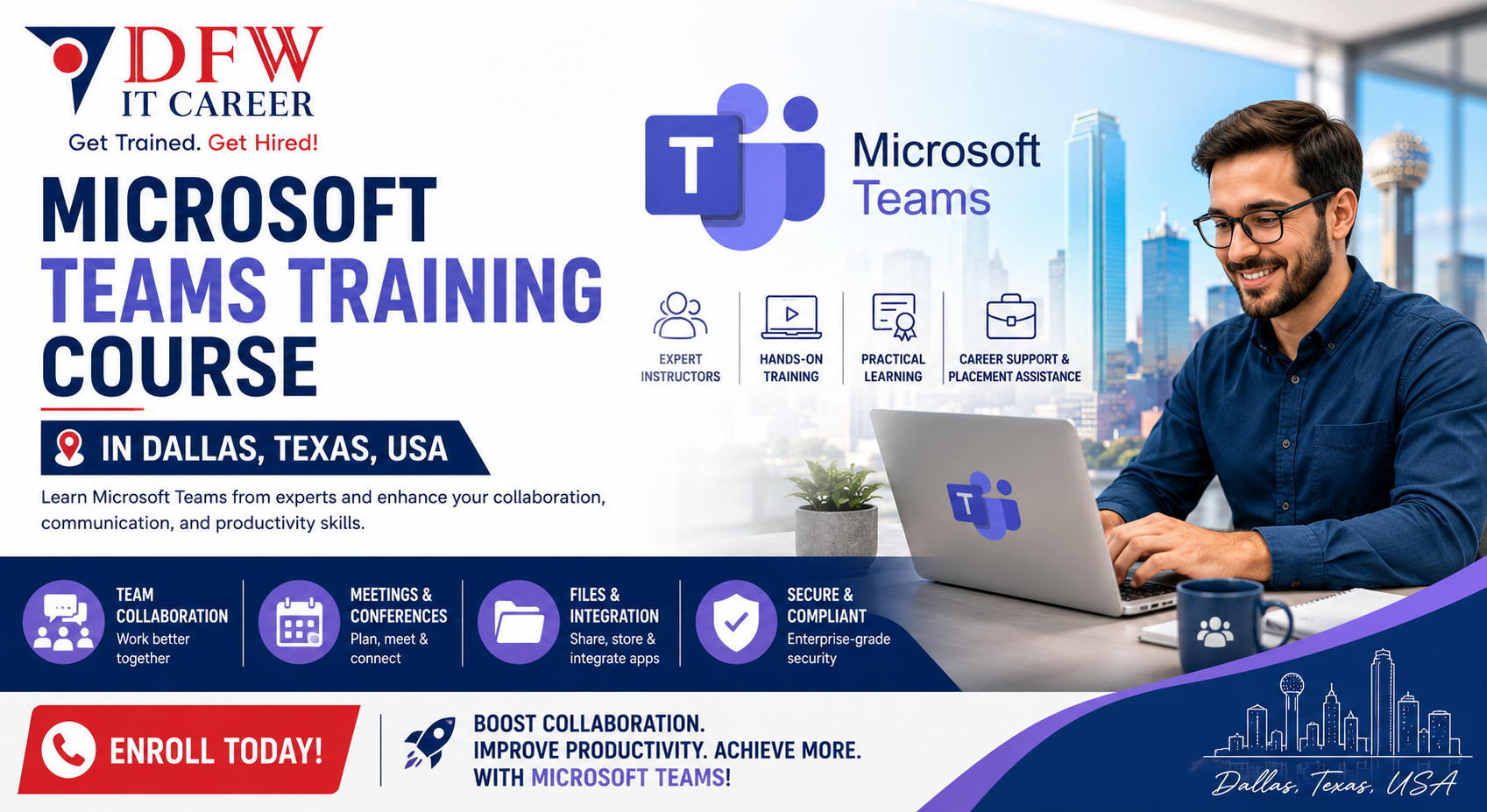
Microsoft Teams Training Course in Dallas, Texas, USA
Course Description
Build expertise in collaboration and communication with our Microsoft Teams training course at DFW IT Career. This program is designed for professionals who want to master Microsoft Teams administration, deployment, and management in real-world environments.
As a trusted provider of Microsoft Teams training in Dallas, USA, we deliver structured, hands-on learning that aligns with industry standards and certification requirements.
Why Choose Our Microsoft Teams Training in Dallas, USA?
Our Microsoft Teams training focuses on practical knowledge and job-ready skills. Whether you are new to Teams or aiming to become a Microsoft Teams Administrator Associate, this course offers a clear path forward.
- Instructor-led, hands-on Microsoft Teams training course
- Real-time scenarios and enterprise-level use cases
- Updated curriculum based on Microsoft certification objectives
- Flexible schedules including weekday and weekend batches
- Career guidance and job placement support
We are committed to delivering the best Microsoft Teams training in Dallas, USA with a strong focus on real-world application.
Course Overview: Microsoft Teams Administrator Associate
This program prepares you for the Microsoft Teams Administrator Associate certification. You will gain the skills required to plan, deploy, configure, and manage Microsoft Teams effectively within an organization.
What You Will Learn in this Microsoft Teams Training Course?
Our Microsoft Teams training course covers essential and advanced topics, including:
- Microsoft Teams architecture and deployment
- Managing Teams, channels, and apps
- Security, compliance, and governance in Teams
- Voice, meetings, and collaboration features
- Troubleshooting and monitoring Teams environments
This Microsoft Teams education training ensures you gain both theoretical knowledge and practical experience.
Who Should Enroll?
This Microsoft Teams training in Dallas, USA is ideal for:
- IT administrators and support professionals
- System administrators managing Microsoft 365 environments
- Professionals preparing for Microsoft certification
- Individuals seeking to improve collaboration platform skills
Basic knowledge of Microsoft 365 services is recommended.
Microsoft Teams Training Online in Dallas, USA
We offer flexible learning options, including Microsoft Teams training online in Dallas, USA, allowing you to attend sessions remotely without compromising on quality.
- Live instructor-led online sessions
- Access to recorded classes
- Remote lab access for hands-on practice
Our Microsoft Teams training online ensures accessibility while maintaining a structured learning experience.
Certification and Career Opportunities
After completing this Microsoft Teams training, you will be prepared to earn the Microsoft Teams Administrator Associate certification. This credential validates your ability to manage and secure collaboration platforms.
Career roles include:
- Microsoft Teams Administrator
- Collaboration Engineer
- Microsoft 365 Administrator
- IT Support Specialist
Why DFW IT Career?
DFW IT Career is a recognized name for quality IT training in Dallas. As a provider of Microsoft Teams education training in Dallas, USA, we focus on delivering results-driven programs.
- Experienced instructors with industry expertise
- Hands-on, job-oriented training approach
- Small class sizes for personalized attention
- Strong placement assistance network
Our goal is to provide the best Microsoft Teams training that helps you build practical skills and advance your career.
Enroll in the Best Microsoft Teams Training Today
Take the next step in your IT career with our Microsoft Teams training course in Dallas, USA. Gain the skills required to manage modern workplace collaboration tools effectively.
Contact DFW IT Career today to enroll in the best Microsoft Teams training in Dallas, USA.
Curriculum
01. Module 1:Introduction to Microsoft Teams
15 lectures • 0m
02. Module 2: Plan and Configure Microsoft Teams Environment
15 lectures • 0m
03. Module 3: Manage Teams and Channels
15 lectures • 0m
04. Module 4: Manage Messaging in Teams
12 lectures • 0m
05. Module 5: Manage Meetings and Live Events
13 lectures • 0m
06. Module 6: Manage Teams Phone System (Voice)
14 lectures • 0m
07. Module 7: Manage Teams Devices
14 lectures • 0m
08. Module 8: Monitor & Troubleshoot Teams
11 lectures • 0m
About the Instructor

Zahid Saeed
Microsoft 365 and AI Lead
Zahid is an accomplished global leader in Cyber Security, Collaboration and Cloud Computing with a deep focus on healthcare industry. Zahid has over 20 years of experience in leading global teams, successfully landing incubation projects and building sustainable commercial alliances with industry vendors. Highly experienced in managing and overseeing, architecting and executing complex projects and drive business initiative with an entrepreneurial mindset. Strong ability to communicate smoothly, bringing people together and connecting the dots for successful execution. Zahid and his team is enabling System Integrators to build security and collaboration practice by engaging in technology and strategy discussions / workshops to serve our customer business needs.
5.0
Instructor rating
2,700
Students
47
Courses
Student Feedback
5.00
Course rating
"The Microsoft Teams Training course at DFW IT Career helped me improve team communication and collaboration skills for my workplace. The instructor explained everything clearly, including meetings, channels, file sharing, and Teams administration. Very practical and beginner-friendly training."
Sarah Johnson
Verified Learner
"I was looking for a professional Microsoft Teams course in Dallas, and this training exceeded my expectations. The hands-on exercises and real business collaboration scenarios made learning much easier. I now use Microsoft Teams more efficiently in my daily work environment."
Jason Lee
Verified Learner
"Excellent training program for anyone wanting to master Microsoft Teams. The course covered chats, meetings, team management, integrations, and productivity tools in detail. The instructors were supportive and answered every question patiently."
Priyanka Desai
Verified Learner
"This Microsoft Teams course was very organized and easy to follow. I especially liked the live demonstrations and practical collaboration workflows. DFW IT Career provides quality IT training with real-world applications."
Kevin Ramirez
Verified Learner
"I joined this course to improve remote collaboration skills for my job, and it was extremely helpful. The instructor covered Microsoft Teams features step-by-step, including meetings, security settings, and business communication tools. Highly recommended for professionals and office teams."
Ahmed Khan
Verified Learner
Course Pricing
Full Plan
- Full course access
- Downloadable resources
- Certificate of completion